Shadow Follower — Subtle Cursor Shadow Component for Framer
A soft, blurred shadow that trails the cursor across a section. Framer marketplace component for ambient depth on hero, pricing, and CTA sections.
Category:
Framer
Author:
Umut Sevinc
Time:
2 mins
Date:





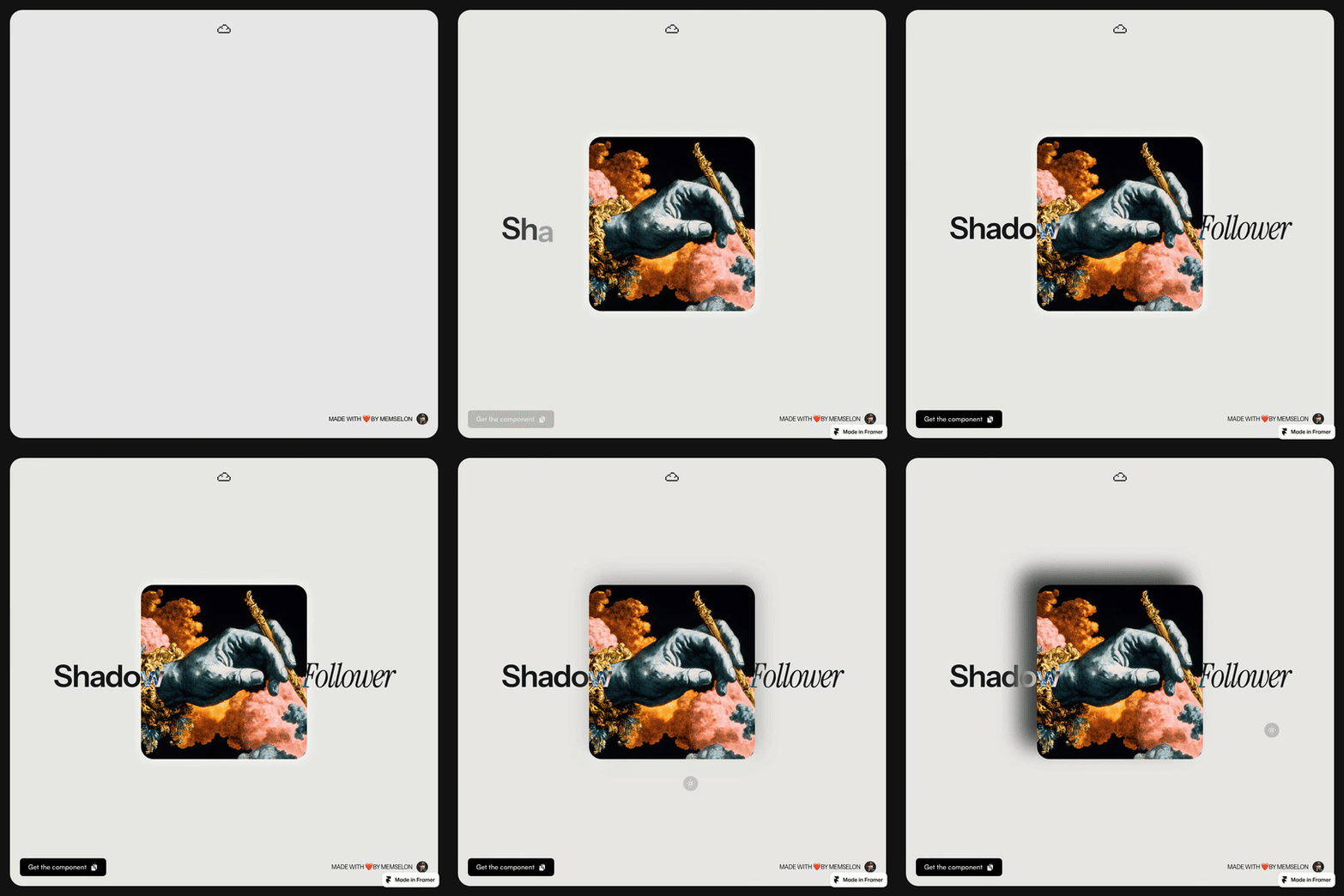
A premium sections component that drops a soft, blurred shadow trailing the cursor. The shadow eases behind the pointer with light spring physics — quiet, ambient, not a gimmick.
TL;DR
A soft, blurred shadow that follows the cursor with spring easing.
Configurable colour, blur radius, intensity, and offset.
Best for hero sections, pricing, CTA blocks, and premium landing pages.
What Shadow Follower Does
You apply the component to any section. As the visitor moves the cursor across that section, a large soft-blur shadow drifts behind the pointer, lagging slightly so the motion feels weighted. The result is closer to a moving spotlight than a cursor trail — it adds depth to the section without pulling focus from the content.
The component is scoped: the effect only runs while the cursor is over the parent section, so multiple sections on the same page can each have their own shadow tuned to that section's mood.
Why Use It
Most cursor effects overcommit. A magnetic ring or a custom emoji cursor turns the cursor into the main character of the page. That's fine for an experimental portfolio, but wrong for a homepage where the copy is doing the selling.
Shadow Follower does the opposite. The cursor stays as the cursor. The shadow adds ambient warmth — the way a slow gradient or a subtle parallax adds warmth — without becoming the focal point. Visitors register it as polish.
Features
Soft-blur shadow that tracks the cursor with spring physics.
Configurable shadow colour, blur radius, size, and opacity.
Per-section scoping — effect only runs inside its parent container.
Adjustable easing and lag.
Optional pulse / breathing animation while idle.
Touch-device fallback (typically disabled by default).
Honours
prefers-reduced-motion.Lightweight: uses transform and filter on a single element.
Three Use Cases
1. Agency or studio hero. A dark hero with a slow-moving warm shadow feels alive without committing to a video or WebGL background. The cursor effect quietly signals craft.
2. Pricing or CTA section. Pricing rows look identical across the internet. A subtle shadow behind the cursor adds physicality to the section and makes the CTA feel approachable rather than transactional.
3. Dark-theme portfolio. On a dark background, the shadow can be a soft coloured glow instead of a literal shadow — turning the cursor into an ambient light source as the visitor explores the case studies.
How to Install in Framer
Open the Shadow Follower marketplace listing.
Click Insert to add the component to your Framer project.
Place the component inside the section you want the effect to live in.
Set the section's overflow to hidden so the shadow doesn't bleed out.
Tune colour, blur, size, and easing in the properties panel.
Preview to confirm the lag and intensity feel right for the section's content density.
Ship It
Install Shadow Follower from the Framer Marketplace.
Back to the full kit: Best Framer Components 2026 →