Best Framer Components 2026: 6 New Marketplace Drops for Animation, Layout & Interaction
Six new Framer marketplace components for scroll reveals, 3D cards, ASCII art, draggable bentos, inline media and cursor shadows. Drop-in, no code.
Category:
Framer
Author:
Umut Sevinc
Time:
2 mins
Date:



Framer keeps eating Webflow's lunch because of one thing: components you can drop on a page and ship the same afternoon. No build step, no Vercel deploy, no React boilerplate. Just paste, tweak the props, and the site feels like it cost ten times what it actually did.
This roundup walks through six components I just shipped to the Framer Marketplace. Each one solves a specific design problem I kept running into on client projects — scroll storytelling, hero card flair, image effects, dashboard demos, editorial typography, and cursor polish. They all install in under thirty seconds, work with any Framer breakpoint, and don't drag your Lighthouse score.
If you only have time for the headline: scroll to the component that matches your current brief, install it, ship.
1. Scroll Letter Reveal — Cinematic Type That Reads Like a Trailer
View on Marketplace · Full breakdown
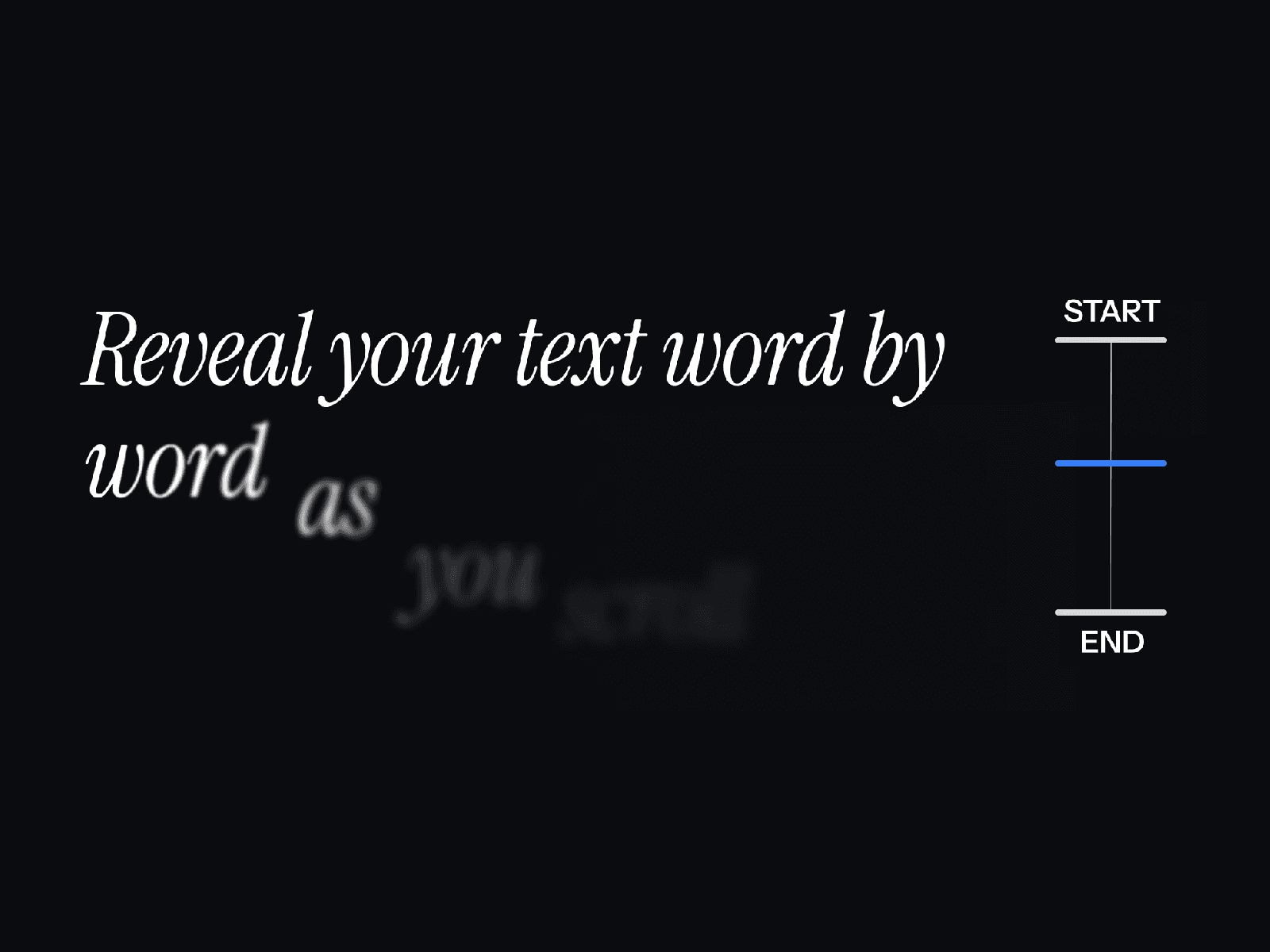
Scroll Letter Reveal animates a headline letter by letter as the viewer scrolls. Instead of the whole sentence fading up at once, each character reveals on its own scroll offset, so the copy reads like it's being typed by the page itself.
Why it's useful. Most "scroll fade" effects look like every other Framer template made in 2023. Letter-level reveals feel intentional — closer to a film title sequence than a marketing site. They also force the reader to slow down, which is exactly what you want on a manifesto page or a hero statement.
Who it's for. Studios, indie founders, and anyone shipping a portfolio or product manifesto where the words are doing the heavy lifting.
Use cases.
Hero headlines on portfolio sites where the copy is the brand.
Manifesto sections in pitch-deck-style landing pages.
Section dividers in long-form case studies.
See the full Scroll Letter Reveal page →
2. Holographic Card 3D — The Trading-Card Effect People Actually Stop For
View on Marketplace · Full breakdown
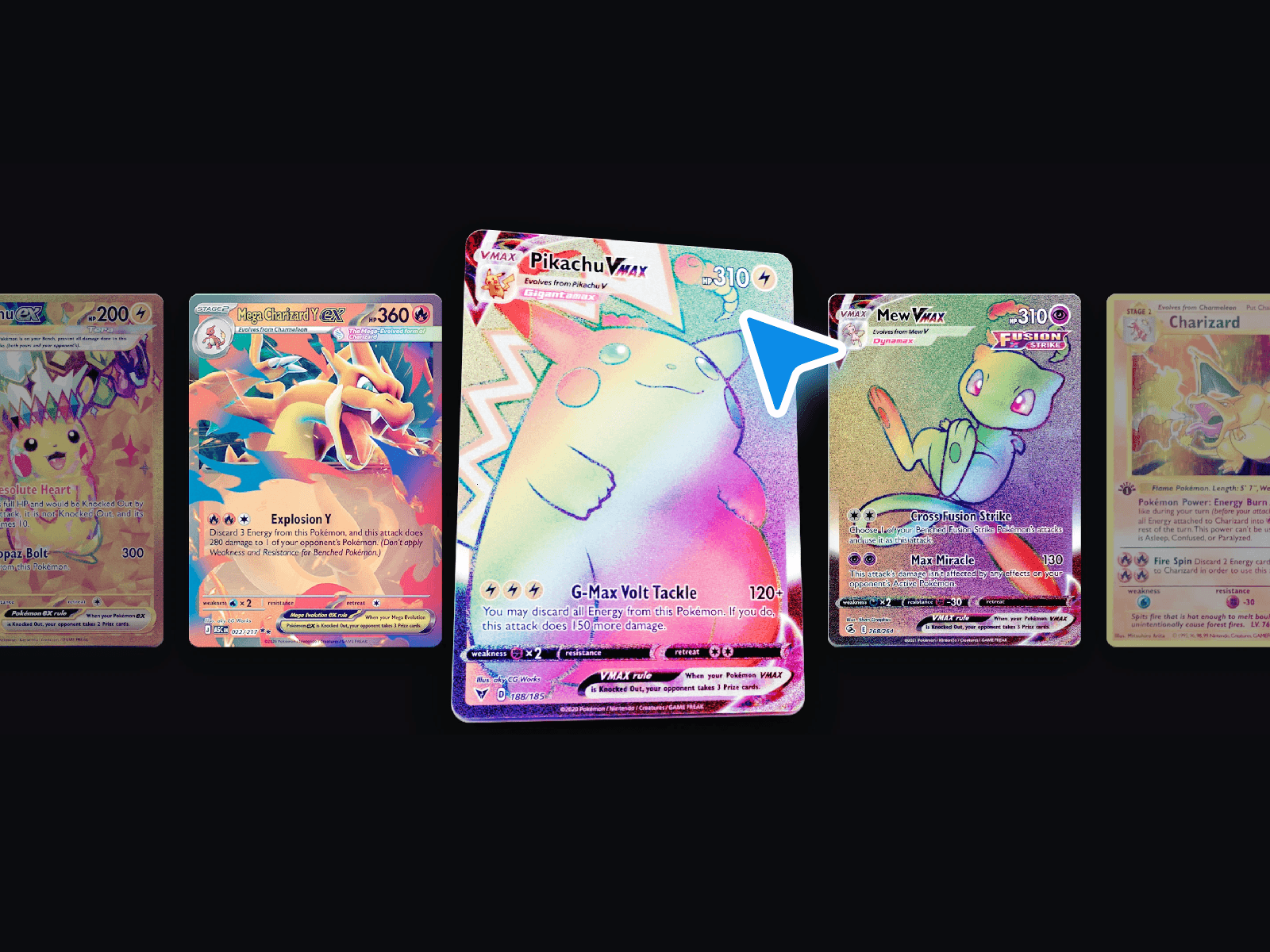
Holographic Card 3D is a tilt-on-hover card with a holographic foil sheen and parallax layers. Move the cursor, the card tilts; the highlight tracks the pointer; the background image and the foreground content separate slightly, like a Pokémon card under a lamp.
Why it's useful. Hero sections and pricing tables are crowded real estate. A tactile card stops the scroll the same way a good product shot stops a feed. It signals craft without needing copy.
Who it's for. SaaS landing pages with a feature card grid, indie product makers showing off a paid plan, and any portfolio that wants its case study tiles to feel premium.
Use cases.
Pricing cards where the highest tier needs to feel special.
Hero product mockups on a SaaS homepage.
Portfolio tiles that link to long-form case studies.
See the full Holographic Card 3D page →
3. ASCII Matrix Image — Convert Any Photo into Live ASCII Art
View on Marketplace · Full breakdown
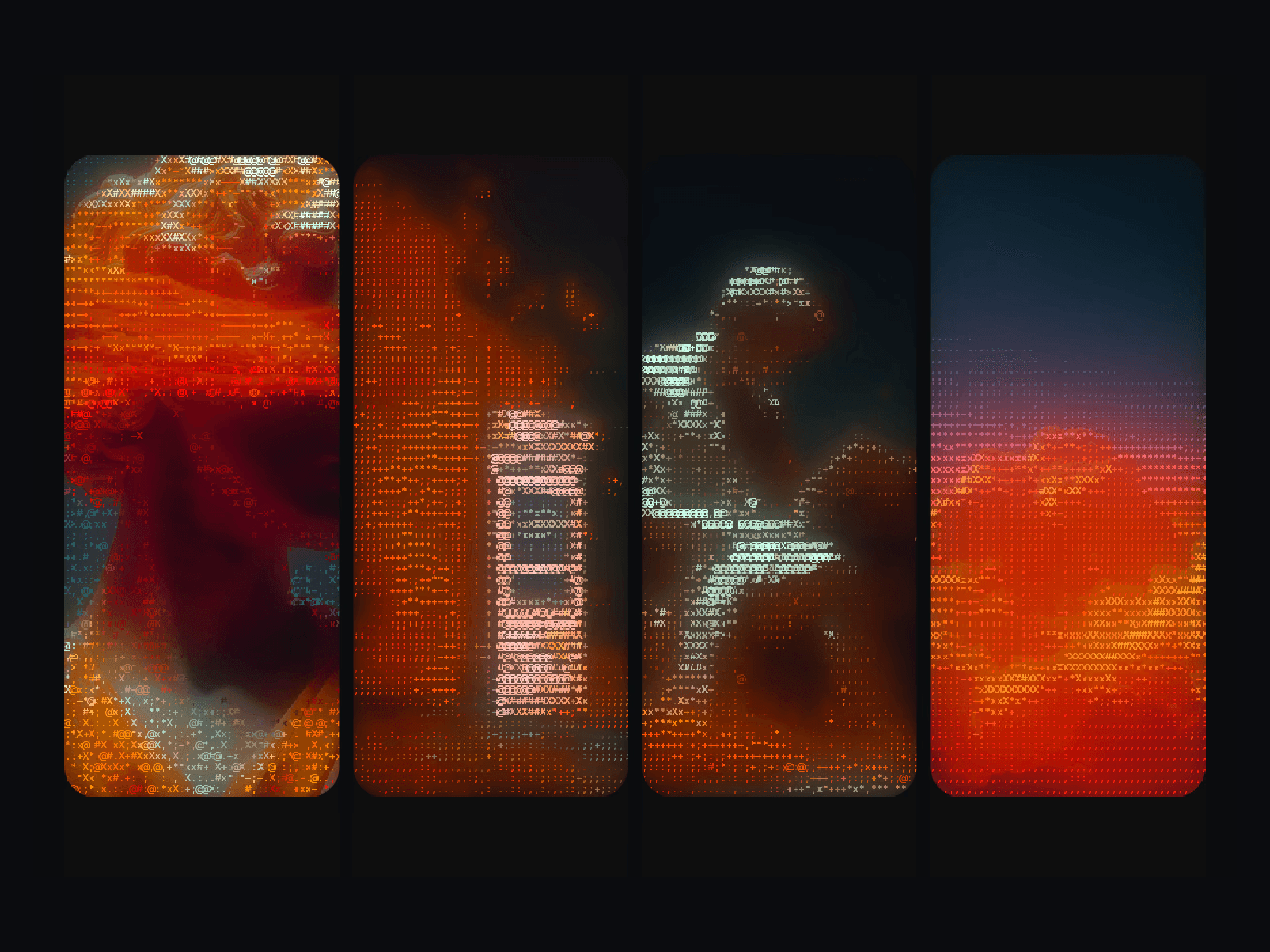
ASCII Matrix Image takes any image you drop in and renders it as a grid of ASCII characters in real time. It's a background component, so you can run it full-bleed behind a hero, in a section divider, or as a hover effect on a portrait.
Why it's useful. Stock photography looks like stock photography. ASCII rendering is the cheapest way to take a generic image and make it feel like it belongs to your brand — particularly for dev tools, security products, and anything in the "we are technical" category.
Who it's for. Dev-tool startups, agencies that lean into terminal aesthetics, AI-infra companies, and personal sites that want a portrait without using an actual portrait.
Use cases.
Hero backgrounds for developer-focused SaaS.
About-page portraits for technical founders.
Section transitions that contrast a clean editorial layout.
See the full ASCII Matrix Image page →
4. Draggable Bento — Dashboards Visitors Can Actually Play With
View on Marketplace · Full breakdown
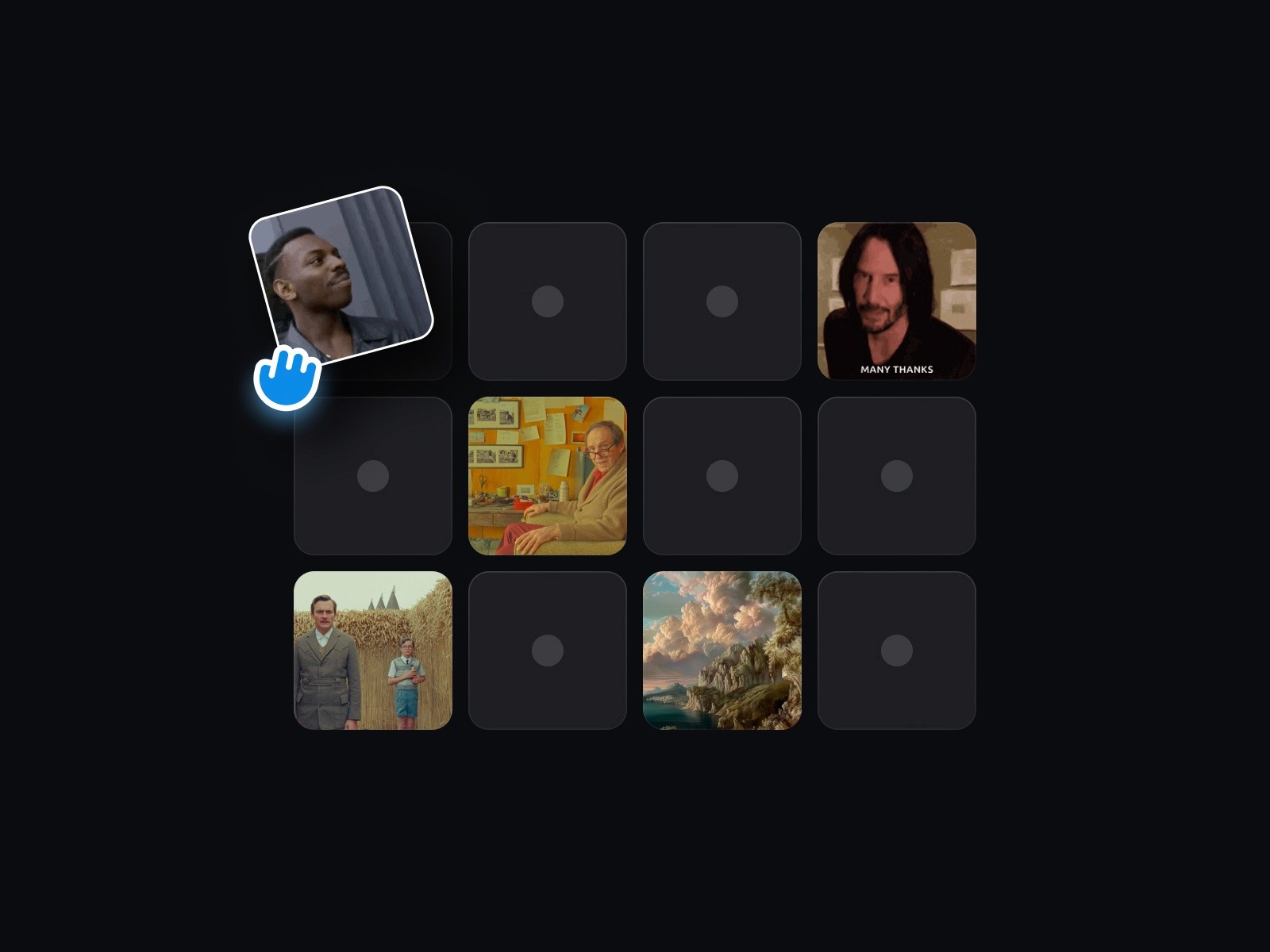
Draggable Bento is a bento-grid layout where each tile is draggable, with smooth physics and snap-back. Visitors can rearrange the grid, throw a tile across the section, watch it settle.
Why it's useful. Bento grids are a 2024 cliché. Making them interactive turns the cliché into a demo. For product sites, a draggable bento doubles as a hands-on preview — the visitor experiences the "you're in control" message instead of reading it.
Who it's for. Productivity tools, design tools, AI workflow products, anything where the pitch is "modular" or "your space, your way".
Use cases.
Feature overviews on productivity-tool homepages.
"How it works" sections for design and AI tools.
Playful about pages where each tile is a fact about the founder.
See the full Draggable Bento page →

5. Inline Text & Images — Editorial Layouts Without the CMS Surgery
View on Marketplace · Full breakdown
Inline Text & Images is a text component that lets you drop images directly inside a paragraph — sized to the line height, aligned to the baseline, and responsive. The same idea you see on Stripe's blog, Linear's changelogs, and the Vercel docs.
Why it's useful. Framer's default rich text doesn't handle inline media gracefully — you end up with a media block that breaks the paragraph in half. Inline Text & Images keeps the flow intact, so a sentence can reference a logo, a screenshot, or an emoji-sized icon without losing rhythm.
Who it's for. Anyone writing on a Framer site: editorial brands, indie newsletters, B2B blogs, documentation pages, changelogs.
Use cases.
Changelog entries that show the product icon next to the feature name.
Editorial articles where small images live inside the sentence.
Pricing pages that mention partner logos inline with the copy.
See the full Inline Text & Images page →
6. Shadow Follower — The Cursor Effect That Doesn't Feel Like a Cursor Effect
View on Marketplace · Full breakdown
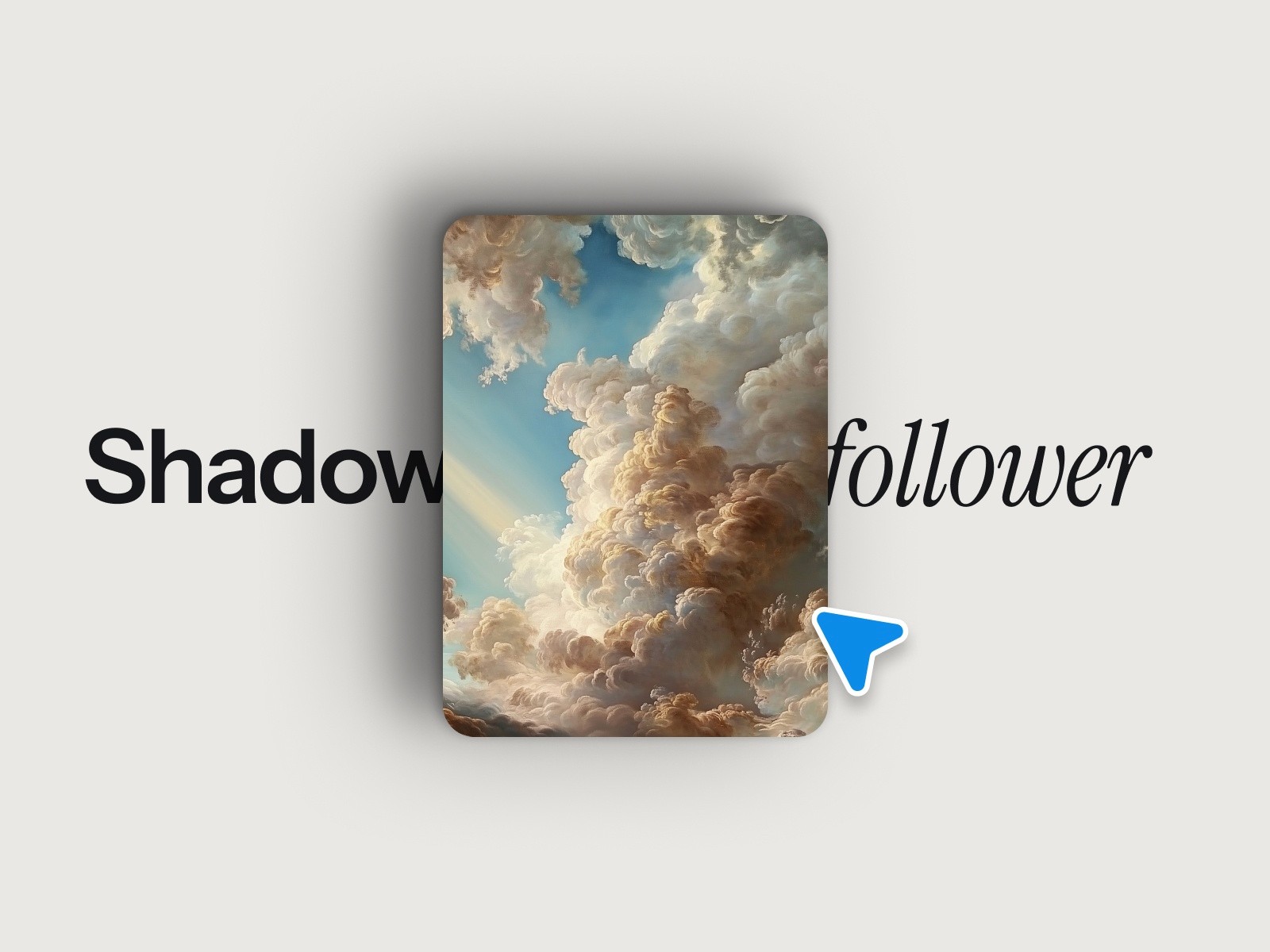
Shadow Follower drops a soft, blurred shadow that trails the cursor across a section. The shadow eases behind the pointer with light spring physics — not a hard dot, not an aggressive blob, just a quiet ambient highlight.
Why it's useful. Cursor effects usually overcommit. A magnetic ring or a custom emoji cursor screams "look at the cursor". A drifting shadow does the opposite: it adds depth to a section without pulling focus from the content.
Who it's for. Studios, agencies, premium portfolios, and any landing page where the section already has strong content and just needs a finishing layer.
Use cases.
Hero sections on agency sites.
Pricing and CTA sections that need ambient warmth.
Dark-theme portfolios where the shadow becomes a subtle gradient.
See the full Shadow Follower page →
How These Six Components Work Together
These aren't six unrelated drops. They're a small kit for the same problem — building a Framer site that doesn't look like a Framer site.
A typical layout: Shadow Follower on the hero for ambient depth, Scroll Letter Reveal on the headline for cinematic intro, Holographic Card 3D on the feature row, Draggable Bento for the "how it works" section, ASCII Matrix Image on the about page, and Inline Text & Images across the blog and changelog. One install pass, one weekend, a site that feels custom-built.
Install One, Ship by Tonight
Pick the component that matches the section you're stuck on. The marketplace handles install. The props panel handles the rest.
If you ship something with one of these, send the link — I keep a wall of sites running the kit.
— Maxime W